
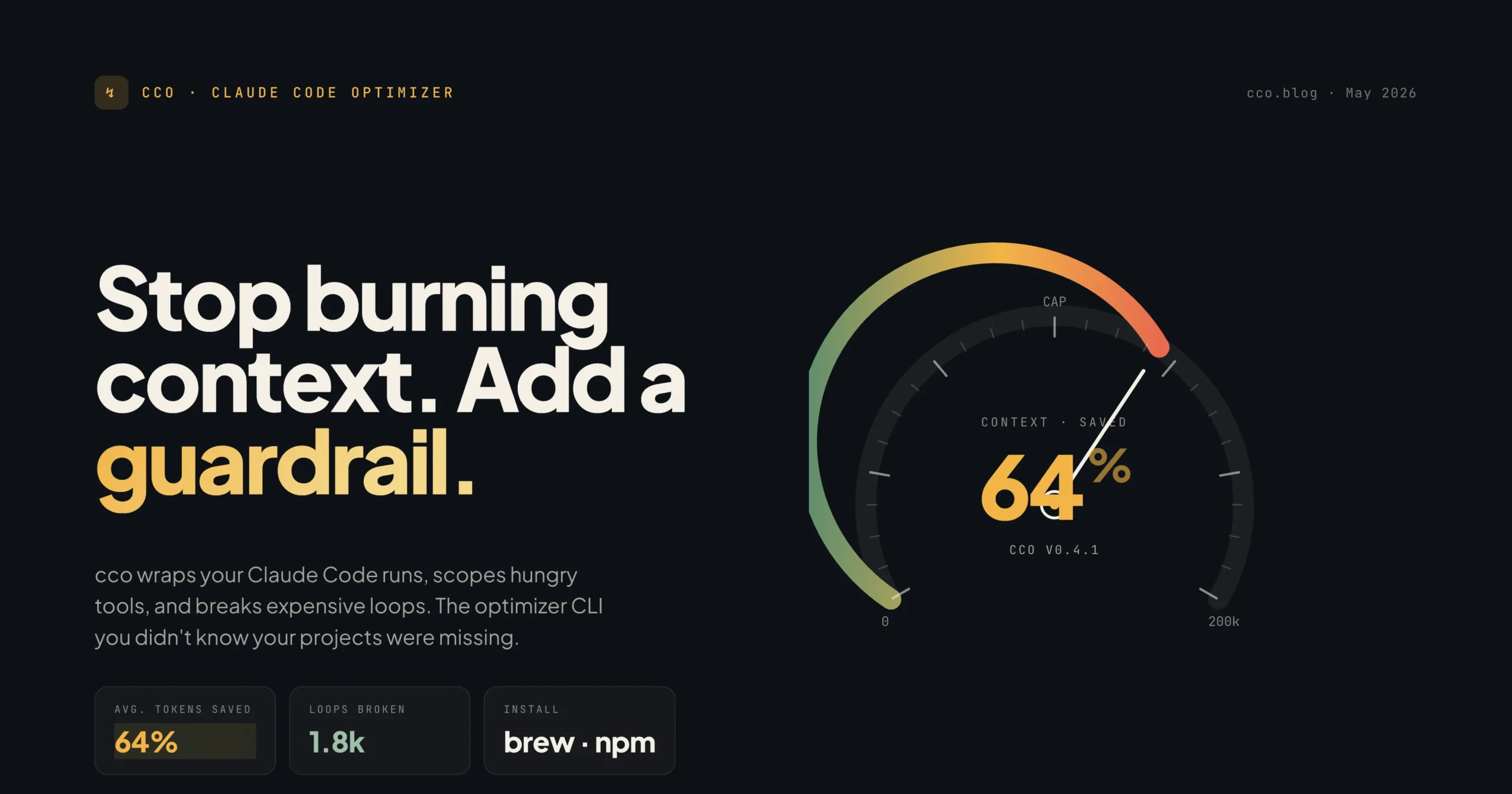
If you’ve been using Claude Code on a real project, you’ve likely hit a familiar wall: sessions slowing down, token costs creeping up, and Claude burning context reading node_modules, build folders, or logs that have nothing to do with your actual question.
The problem usually isn’t Claude. It’s the project setup.
claude-code-optimizer-pro — used via the cco CLI — is an npm tool built specifically to fix that. It generates a clean, structured Claude Code configuration for your repository so every session starts from a compact, accurate, well-scoped foundation.
Installation
Install it globally and use it inside any project:
npm install -g claude-code-optimizer-pro
cd your-project
cco init --analyze
Or use it without installing:
npx claude-code-optimizer-pro init --analyze
The Best First Command for Real Projects
For any serious project, start here:
cco init --analyze --review
This does three things in sequence:
- Scans the repository safely — classifies files by role without writing anything yet
- Detects project context — language, framework, package manager, folder structure, conventions
- Shows you what it found before writing any files — so you can confirm before it commits
If the detected context looks right, confirm the prompt and it generates everything. For automated setup without the review step, use cco init --analyze directly.
What Gets Created
A typical generated setup looks like this:
your-project/
├── CLAUDE.md
├── .claudeignore
├── .claude/
│   ├── settings.json
│   ├── context-map.md
│   ├── context-gaps.json
│   ├── commands/
│   │   ├── api-rules.md
│   │   ├── test-rules.md
│   │   ├── ui-rules.md
│   │   └── stack-specific rules...
│   ├── summaries/
│   │   ├── backend.md
│   │   └── frontend.md
│   └── subagents/
│       ├── explore.md
│       └── refactor.md
Not every file is generated every time. Some are only created when --analyze detects relevant context — a WordPress plugin gets different files than a Next.js app.
What Each File Actually Does
CLAUDE.md — Compact Project Orientation
This is the instruction file Claude reads at the start of every session. The goal is not to dump your entire codebase here — it’s to give Claude a compact, stable orientation covering:
- Project purpose and tech stack
- Package manager and common commands
- Source directories and testing guidance
- Claude Code workflow rules
Shorter is better. Every unnecessary line costs tokens on every session.
.claudeignore — Keep Claude Out of the Noise
This is arguably the most important file. It tells Claude Code what not to read, blocking things like:
node_modules
vendor
.git
dist
build
coverage
.env
*.log
*.pem
*.key
Without this, Claude wastes context discovering files it should never touch — and may expose secrets in the process.
.claude/settings.json — Safe Terminal Output Cap
The package sets a safe default:
{
  "bash": {
    "maxOutputLength": 20000
  }
}
One failing test run or verbose build log can otherwise dump tens of thousands of characters into the conversation, crowding out everything useful.
.claude/commands/ — Scoped Rules, Not Global Bloat
Instead of cramming every project convention into CLAUDE.md, the package creates smaller rule files that apply only where relevant:
api-rules.mdtest-rules.mdui-rules.mdwordpress-rules.mdajax-rules.mdvue-dashboard-rules.md
Claude loads the right guidance for the right part of the project — not everything at once.
.claude/context-map.md — A Map of Your Repository
Generated by --analyze, this gives Claude a compact overview: entrypoints, source directories, API directories, component directories, model directories, important hooks and handlers, and a light dependency graph.
For a WordPress plugin, this is especially valuable — Claude can immediately see where the plugin starts, where controllers live, and what hooks and AJAX actions exist.
.claude/summaries/backend.md and frontend.md
These summarize the architecture layers so Claude doesn’t have to guess.
For a WordPress backend, that might mean: plugin entrypoint, PHP namespace, Composer PSR-4 namespace, AJAX nonce, capabilities, wpFluent tables, and WordPress options.
For a Vue/Vite frontend, it might include: Vue components, localized WordPress globals (like window.FFPaySettings), Vite configuration, and the frontend/backend AJAX relationship.
.claude/context-gaps.json — Honest About What’s Unknown
This is one of the most thoughtful parts of the package. When something can’t be confidently inferred, it gets recorded as a gap rather than guessed:
{
  "missing": [
    {
      "field": "testing.strategy",
      "question": "No test script detected. How should tests be run?",
      "confidence": 0.25
    }
  ]
}
A human or agent can then fill these gaps explicitly. The package doesn’t pretend to understand everything.
The Full Command Set
cco scan
Safely classifies files in your repository without writing anything. Returns files grouped by role — source, controller, model, component, config, docs, test. Use this first when inspecting an unfamiliar project.
cco scan
cco scan --json
cco analyze
Prints the full detected project context. Useful for debugging what the intelligence layer sees before generating any files.
cco analyze
cco analyze --json
cco analyze --cache   # Writes .cco/cache/analysis.json
cco audit
Checks whether your Claude Code setup is actually optimized. Validates things like:
CLAUDE.mdexists and isn’t too long- Token estimate is reasonable
.claudeignoreexists with critical entriessettings.jsoncaps bash output- Commands folder exists
For CI integration:
cco audit --ci
This exits with failure if the config is unhealthy — same as a failing lint check.
cco doctor --fix
Diagnoses and repairs common setup problems:
- Creates missing Claude files
- Adds missing
.claudeignoreentries - Sets
bash.maxOutputLength - Creates
.cco.json - Adds npm package file whitelist (prevents accidentally publishing
.claude/,.claudeignore, orCLAUDE.md) - Cleans known generated bloat from
CLAUDE.md
cco stats
Shows the estimated token cost of your CLAUDE.md with a section-by-section breakdown — line count, token estimate, and daily/monthly cost estimate. Seeing a dollar figure next to your instruction file has a way of clarifying what actually needs to be in there.
cco watch
Watches your Claude config files in real time and reports optimization status as you edit. Use --once for a single snapshot.
cco watch
cco watch --once
cco explain
Explains why each part of the setup exists, in plain language:
cco explain overview
cco explain CLAUDE.md
cco explain .claudeignore
cco explain commands
cco explain watch
Useful for onboarding teammates or understanding a setup you inherited.
WordPress Plugin Support
For WordPress plugins, cco init --analyze does substantially deeper detection. Given a plugin directory, it can identify:
- Plugin header metadata (name, version, text domain, required PHP version)
- Composer package type and PSR-4 namespace
- PHP namespace and controllers
- Hooks, AJAX actions, and nonces
- WordPress capabilities and options
- wpFluent tables
- Vue components, Vite config, and localized frontend globals
From that, it generates plugin-specific rule files like wordpress-rules.md, ajax-rules.md, and vue-dashboard-rules.md — covering conventions like nonce verification, capability checks, input sanitization, output escaping, and keeping Vue API calls aligned with WordPress AJAX endpoints.
Recommended Workflow for Real Projects
cd your-project
cco scan --json           # Inspect what the package sees
cco analyze               # Review detected project context
cco init --analyze --review  # Generate files with confirmation
cco audit                 # Validate the setup
Then open the generated files and manually improve any uncertain parts — CLAUDE.md, context-map.md, backend.md, frontend.md, context-gaps.json. Run cco audit again when done.
What This Package Is Honest About
It does not fully understand every line of your codebase. It does not:
- Read every file deeply
- Generate perfect business-domain documentation
- Infer every hidden convention
- Replace manual review
- Guarantee Claude will never need more context
What it does is create a strong first-pass context layer — a better starting point — and record what it couldn’t confidently determine in context-gaps.json for a human to fill.
Why This Matters
Without a proper Claude Code setup, Claude may spend significant context just discovering basic facts: what the project is, which folders matter, which files are generated, which commands to run, which conventions to follow.
claude-code-optimizer-pro pre-builds that orientation layer. The result is less repeated explanation, less context waste, faster sessions, better path-specific guidance, safer handling of secrets, and more consistent behavior across a team.
If you’re using Claude Code on any project with real complexity, this is one of the most practical things you can add to your workflow.
Start with cco init --analyze --review for existing projects. Use cco audit --ci to keep the setup healthy over time.