
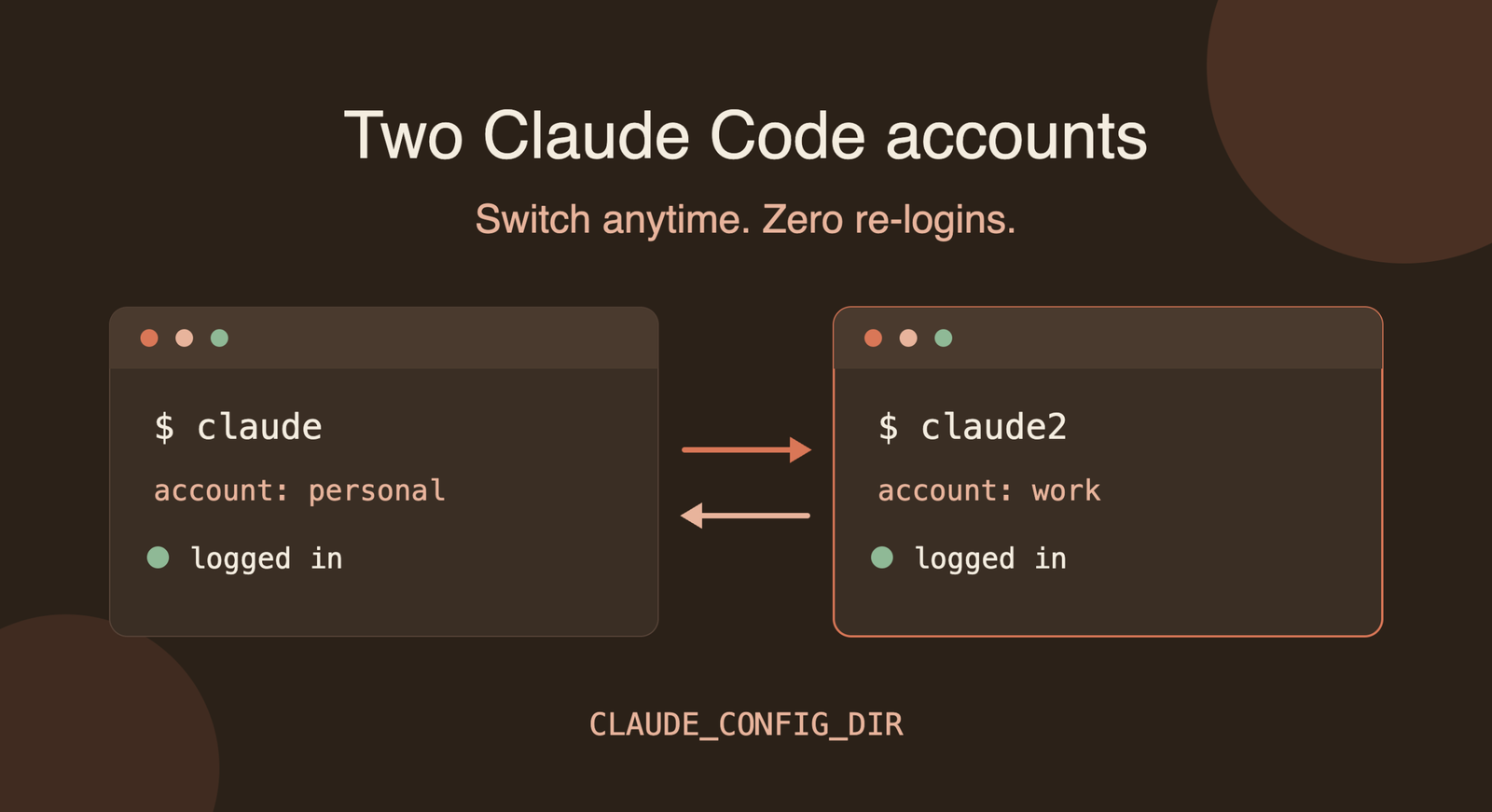
If you have a personal Claude account and a work account, you’ve probably hit the same annoyance: Claude Code only seems to remember one login at a time. Switching means /logout, /login, and a trip through the browser every time.
There’s a cleaner way. You can keep both accounts logged in at once and pick between them by the command you type. Here is the full setup for macOS.
The idea
Claude Code reads an environment variable called CLAUDE_CONFIG_DIR. It tells Claude Code where to keep its settings, history and login. By default that’s ~/.claude.
Point the variable at a different folder and you get a completely separate Claude Code environment with its own login. Wrap that in a shell alias and you have a second command for your second account.
Note that this is a community workaround rather than an officially documented multi-account feature, so check that using two accounts fits Anthropic’s terms for your plans.
Step 1: Keep your first account as it is
Your existing account lives in ~/.claude and runs with the plain claude command. You don’t need to change anything.
Step 2: Create a folder for the second account
bash
mkdir ~/.claude-account2Step 3: Add an alias
macOS uses zsh by default, so add the alias to ~/.zshrc:
bash
echo "alias claude2='CLAUDE_CONFIG_DIR=~/.claude-account2 claude'" >> ~/.zshrc
source ~/.zshrc
Step 4: Log in to the second account once
bash
claude2Run /login inside it and sign in with your second account. You only do this once.
Step 5: Use both
claudeopens your first account.claude2opens your second account.
Both stay logged in. You can switch by simply typing the other command, or run them side by side in two terminal windows. Each account keeps its own settings, history and memory, so nothing gets mixed up.
Verify the logins stayed separate
On macOS, Claude Code may keep OAuth tokens in the system Keychain rather than inside the config folder. Some community tools report that this can stop two subscription logins from being fully isolated. I haven’t confirmed it against official docs, so test it:
- Log in to
claude2. - Open
claudeand type/status. It should still show your first account and not ask you to log in. - Open
claude2and type/status. It should show your second account.
If both pass, you’re done for good.
If the accounts aren’t isolated
If logging in to one account logs out or replaces the other, you have a few options:
- Use an API key for one account. API-key accounts are reported to isolate fine on macOS. Add the key to the alias, for example
alias claude2='CLAUDE_CONFIG_DIR=~/.claude-account2 ANTHROPIC_API_KEY=your_key claude'. This bills per usage instead of using a subscription. - Use a switcher tool. Community tools such as
claude-switch,claude-account-switchandclaude-accwrap the same mechanism with profile management. They’re third-party, so review them before installing. - Fall back to
/logoutand/loginwhen you need to change accounts.
Wrapping up
For most setups, the whole thing is one folder and one alias: claude for account one, claude2 for account two, and no repeated logins. Run the quick /status check once and you’ll know whether it works on your Mac.
I can also save this as a Word, Markdown or PDF file, or add a section on setting up a third account, if you’d like.